








Original price was: $389.00.$99.99Current price is: $99.99.
- Certified for Microsoft Teams Rooms on Android™
- Up to 8 in-room participants
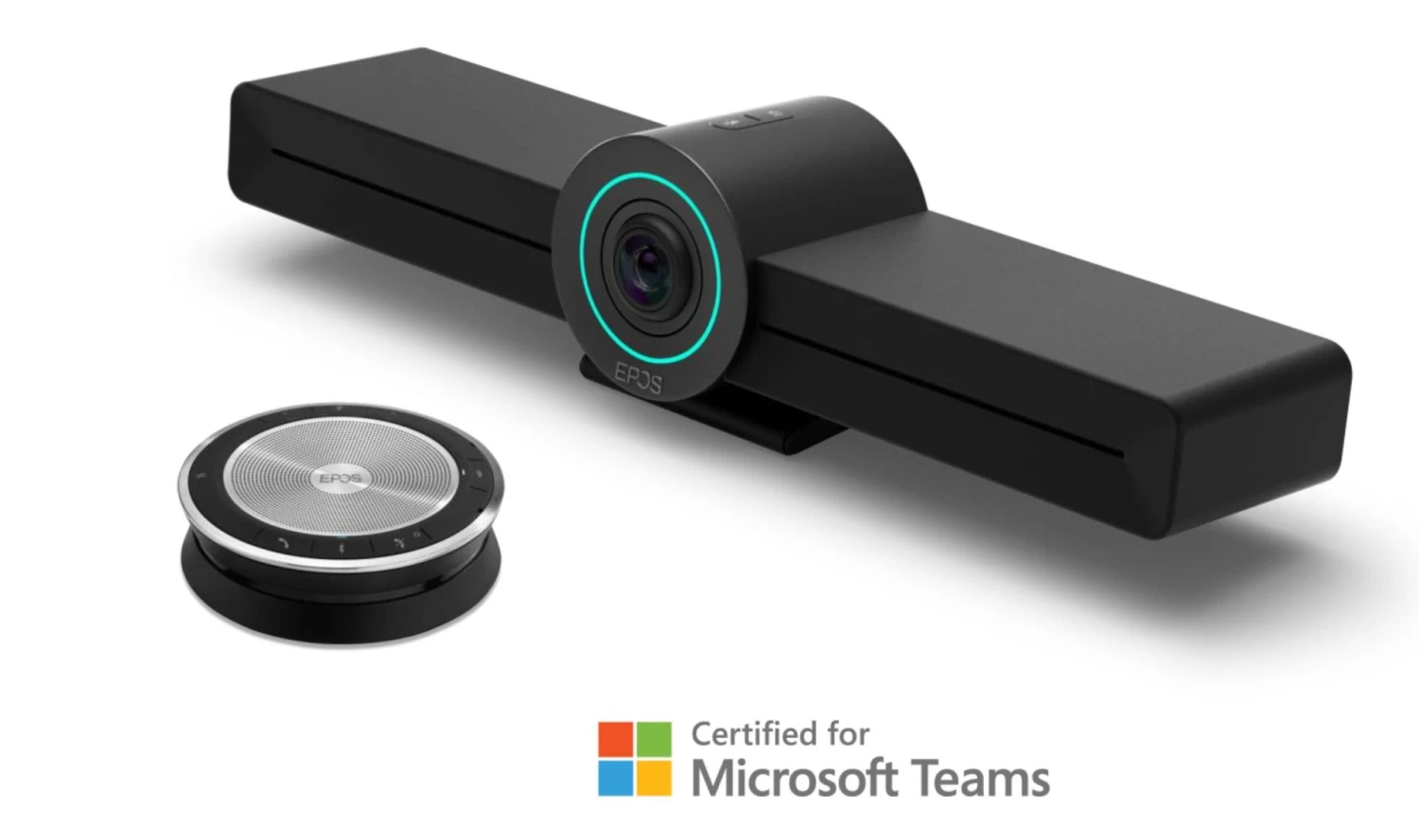
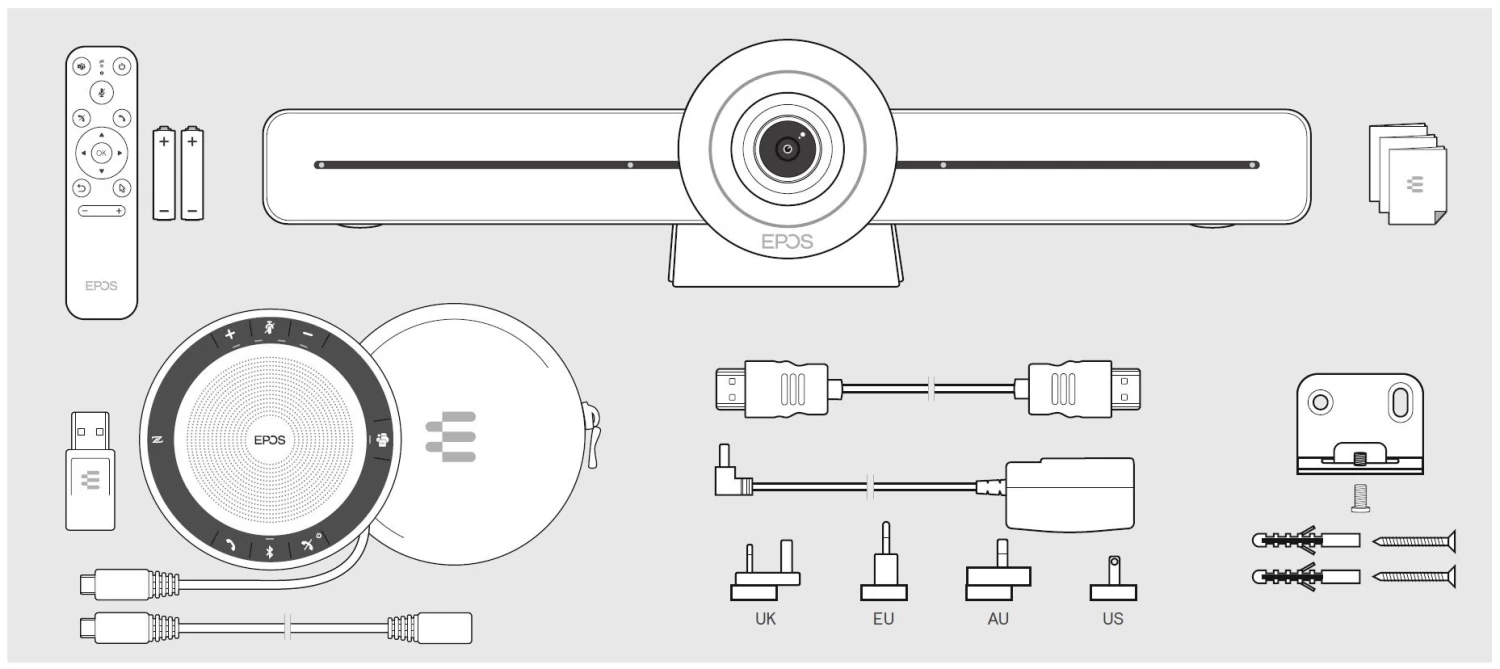
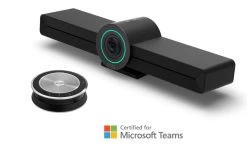
- Bundled with EPOS EXPAND SP 30T
- One touch join
- Top Quality Products
- Best price, safe shopping guarantee
- Safe Payments, the Smart Choice
- Fast reliable delivery options

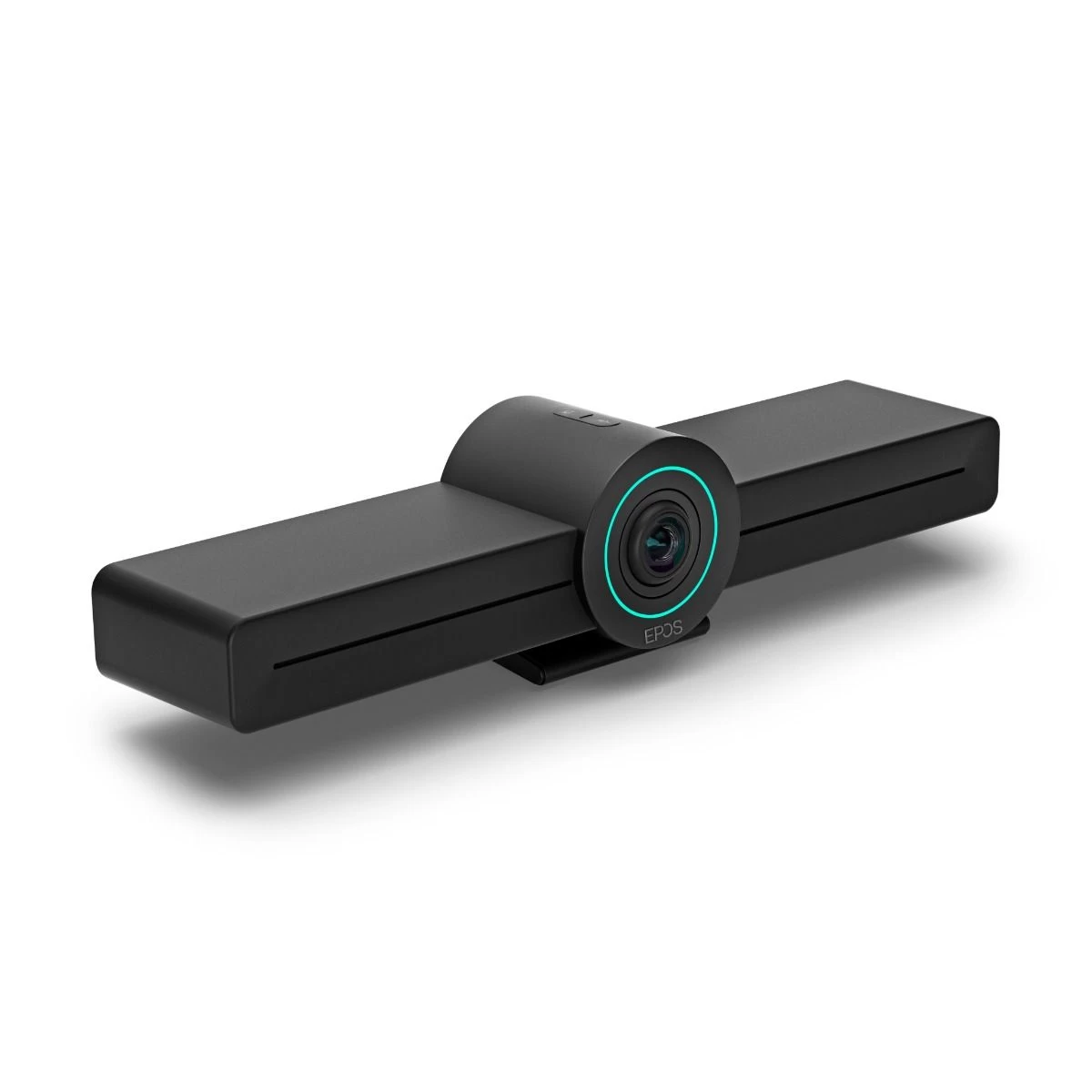
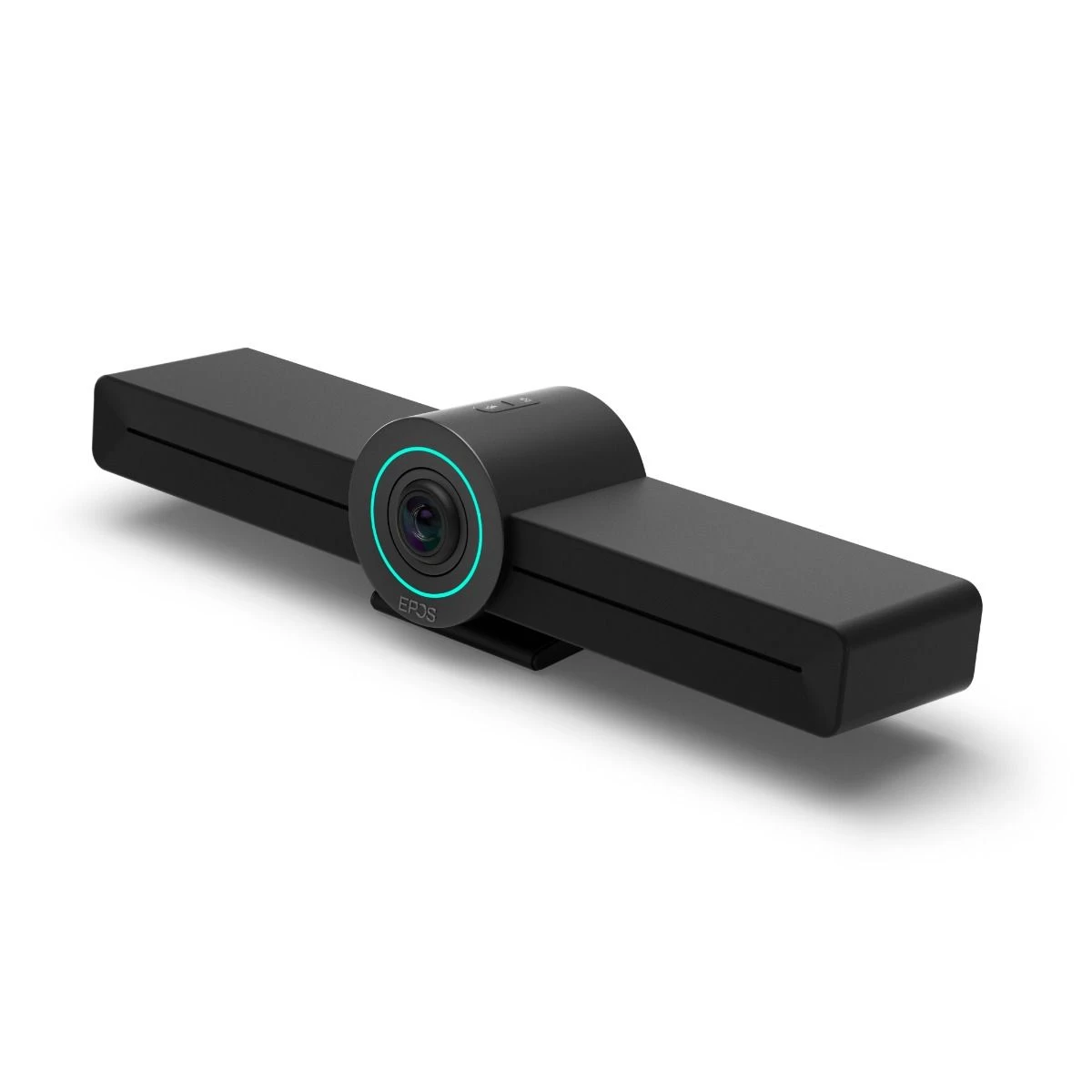
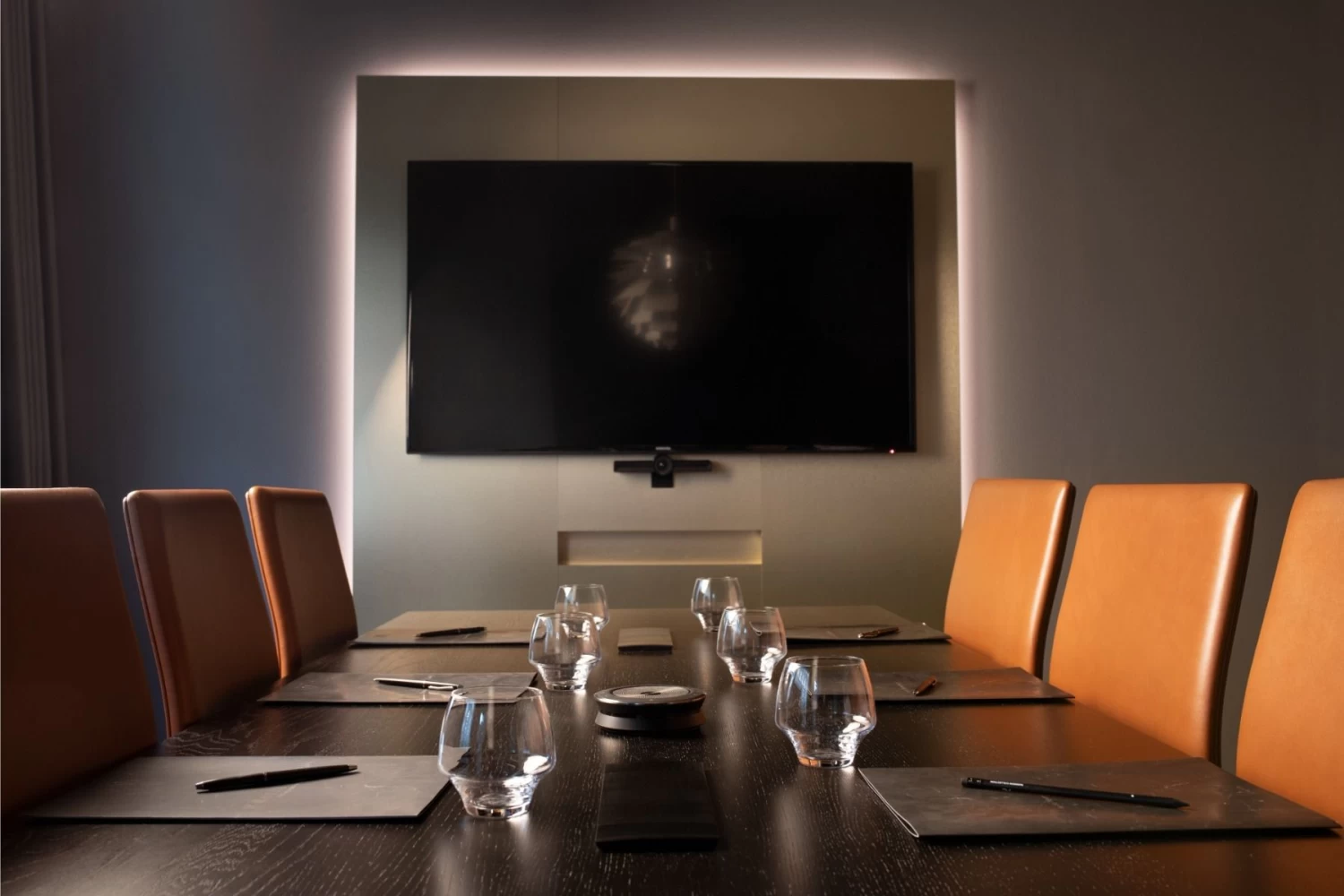
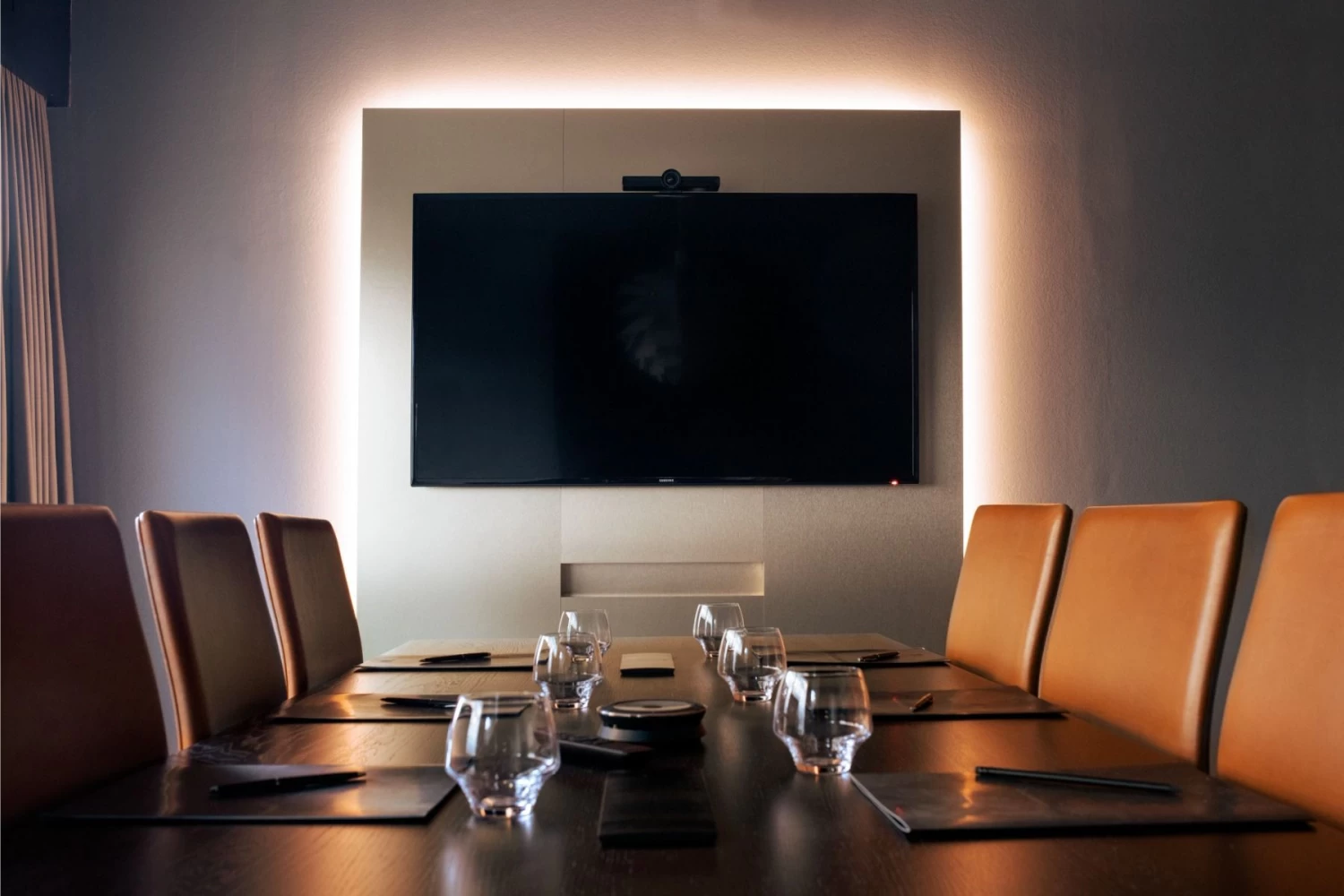
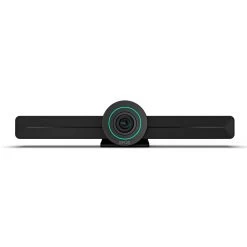
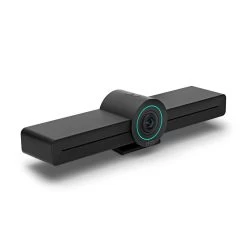
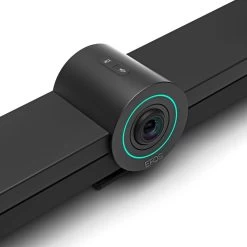
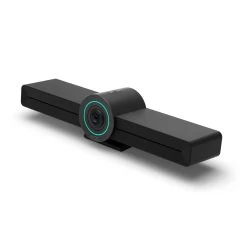
EPOS EXPAND VISION 3T for MS Teams
All-in-one video solution for Microsoft Teams Rooms on Android™ for today’s smart office.
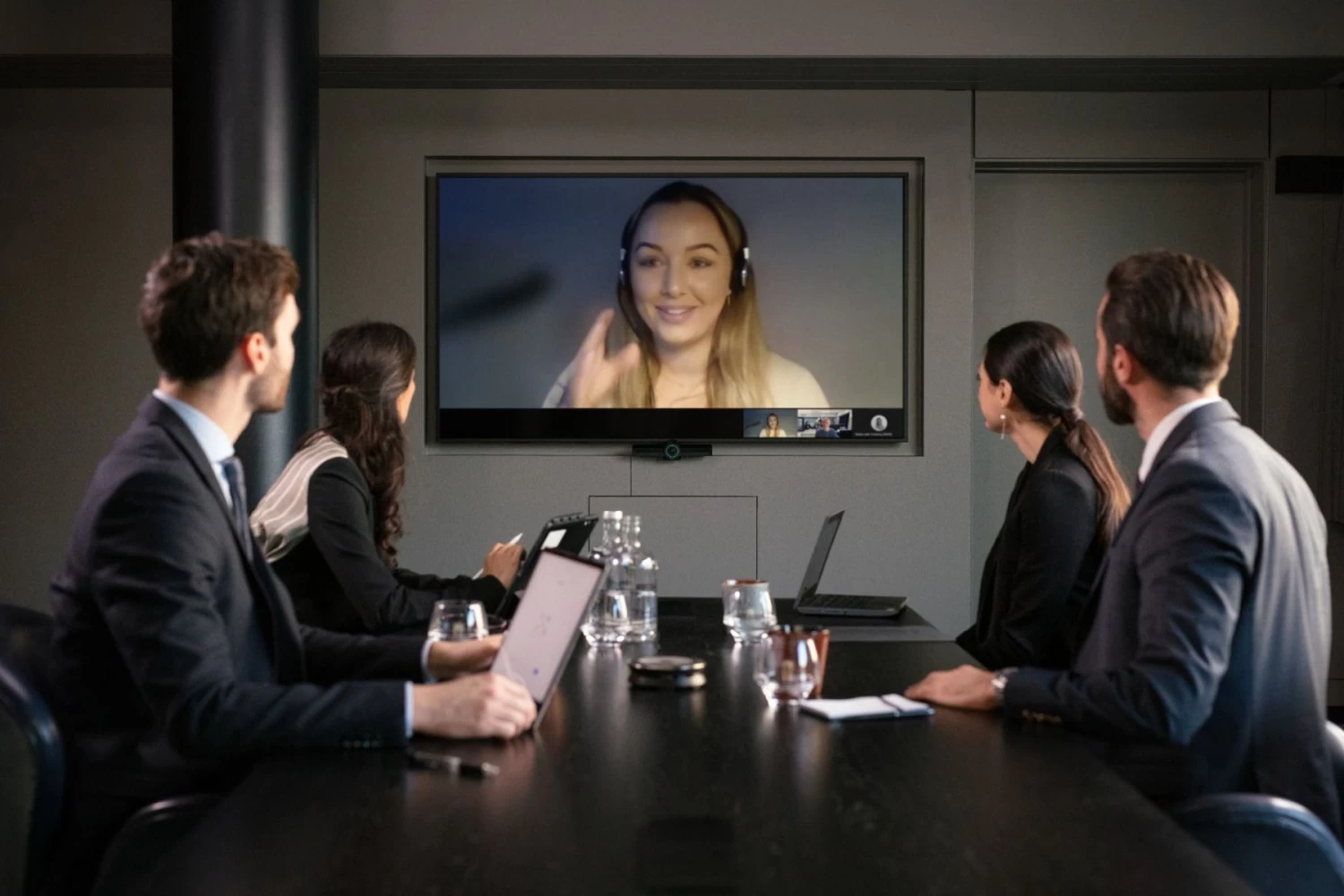
Join meetings with just one touch and perform like you’re there in person. Enhance collaboration with full HD video and exceptional voice pickup and noise cancellation – powered by EPOS AI™.
Simple to set up, simple to install – and optimized for leading SIP-based UC solutions. Enjoy a natural meeting experience, and benefit from facial expressions, body language and voices with exceptional clarity that boost productivity.
Key Benefits & Specs
- Wide angle 4K camera with Sony® sensor, intelligent framing, enhanced PTZ and superior audio from included EPOS EXPAND SP 30T
- Dual screen support Display content on one screen, follow the conference on the other.
- Remote device management – Provisioning through EPOS Manager or Microsoft Teams admin center
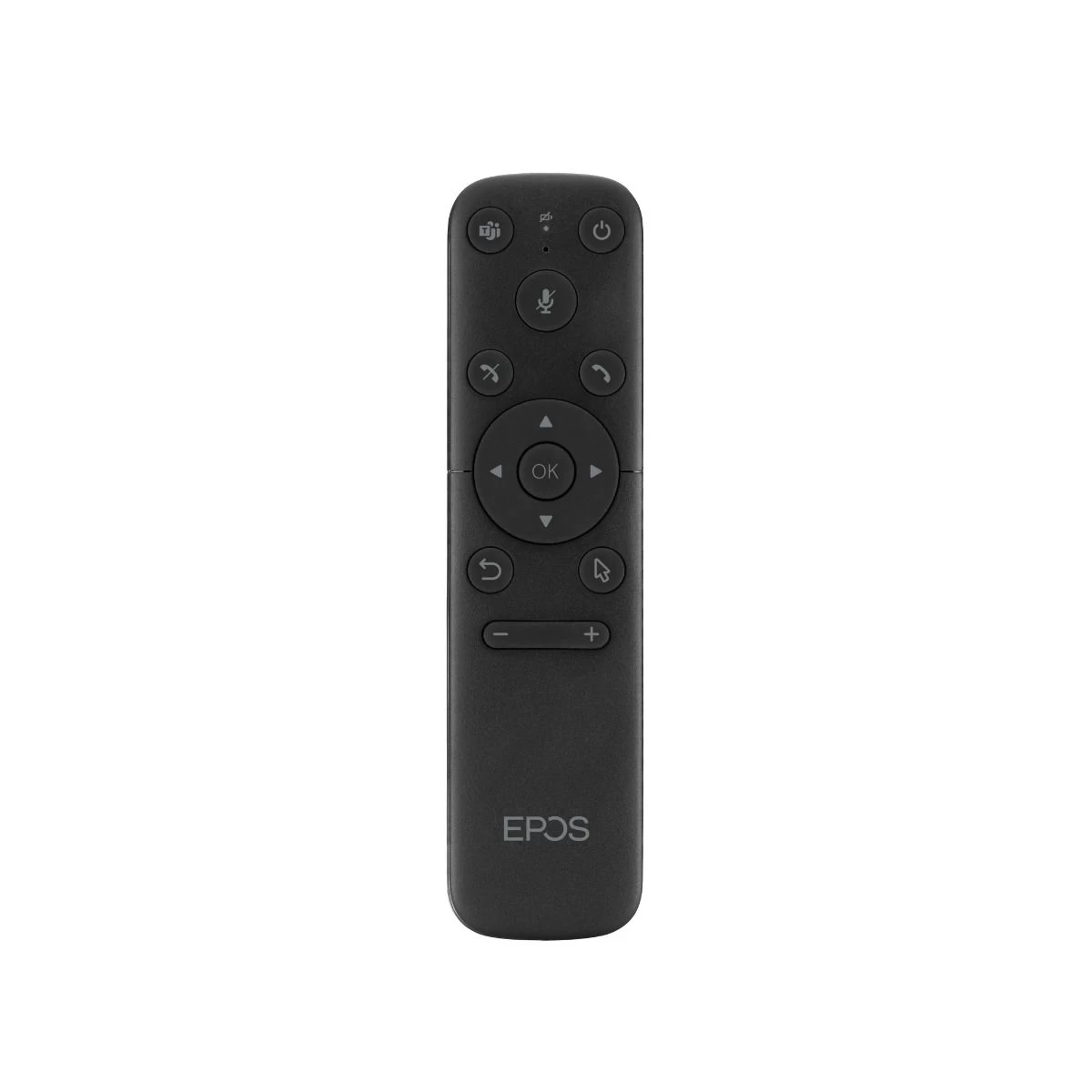
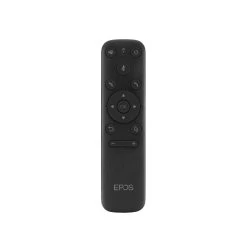
- Stay in control – Included remote control, or via touch screen on your smart display
- Secure installation – Supports Kensington lock systems
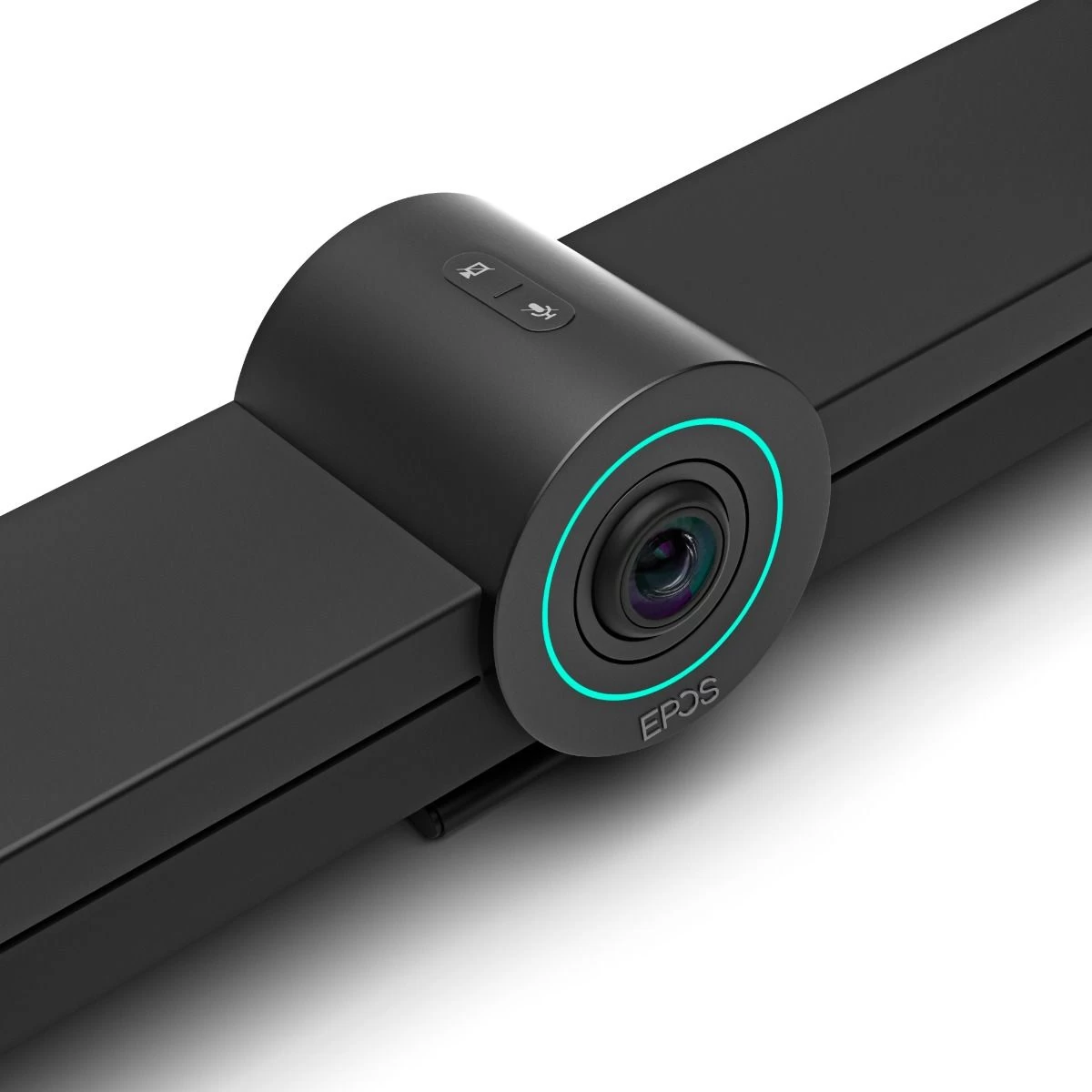
- Guaranteed security – Comes with dedicated hard-wired mute buttons for audio and video
- Flexibile connectivity – Connect your headset or speakerphone via Bluetooth®
- Easy setup. Easy maintenance – Intelligent solution with automatic software updates, remote device management and provisioning.
- Join meetings with just one touch and enjoy a full Microsoft Teams experience.
- Privacy switches
- Microsoft Teams certified – Immerse yourself in Microsoft Teams with all the familiar features.
What is EPOS? EPOS is the new co-branded name for Sennheiser.
Instant Conferencing. Anywhere – With lightweight design, choice of Bluetooth® or USB-C plug’n’play and multi-point connectivity with up to three devices and one touch access to Voice Assistant.
Exceptional audio performance – With EPOS Voice Clarity, ultra-low distortion speaker and echo and noise-cancelling microphones supported by highly advanced DSP algorithms.
Natural conversation experience – With industry-leading duplex performance that allows simultaneous speak.
Crafted for perfection – With premium materials, convenient cable winding and safe dongle storage.
| Specifications | |
|---|---|
| SKU | 1000927 |
| Manufacturer | EPOS | Sennheiser |
| Product Type | Video Conference |
| Cable Length | Included 5m USB-C Extension |
| Field of View | 112° |
| Wireless Technology | Bluetooth |
| Camera Resolution | Full HD (1080p) |
| Warranty | 2 Year |
| Wearing Style | |
| Connection Type | |
| Software Compatabilty | MS Teams CERTIFIED |
| Speaker Frequency Response | 150 – 7,500 Hz in communication 100 – 20,000 Hz in audio streaming |
| Mic Frequency Response | 150 – 7,500 Hz |
| Headset Weight | 550g |
| Coverage Range | |
| Conference Additonal Headsets | |
| Best Use | |
| Application | Video |
| Audio Qualities | Echo cancellation |
| This product is featured in | , , , , , , , , , , |
Manufacturers Description
What else is important?
- The Vision 3T is preloaded with Android OS and the interface is Teams only. This means that the Vision 3T can be assigned it’s own room login in O365 admin, and can be added by participants and then used to initiate the meeting directly from the room controller. If you are looking for BYOD/BYOM, the Vision 3T isn’t for you, so definitely check out the Panacast 50 or the Bose VB1 instead!
- Miracast is included with the unit, but not sure how to access it? If you have a Windows 10 device, simply press the Windows key + K to turn on wireless mirroring. Next, choose your receiver. If you’re using Windows 8.1, press the Windows key + C to open the charms bar.
-
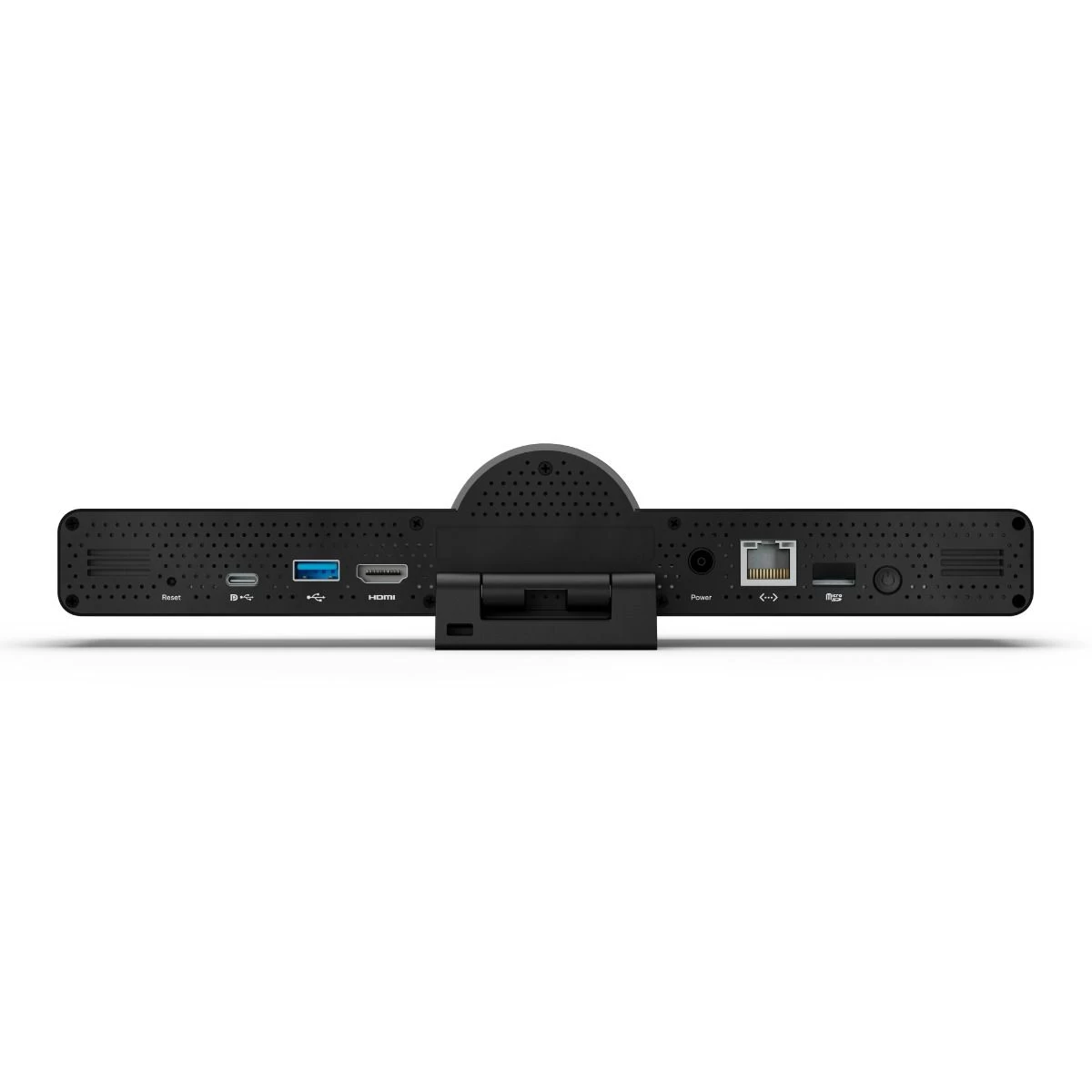
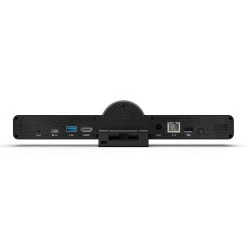
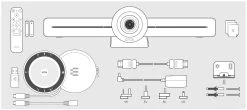
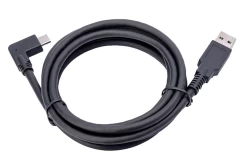
- The included 5m USB-C extension cable is connected into the back of the Vision 3T, and provides a direct connection to the 30T Speakerphone. This enables one touch join via the Teams button and guarantees conference room uptime. If you are using a second screen, then use the included USB-C to USB-A adapter to connect the extension cable into the USB-A port on the back of the unit instead.
-
- The Vision 3T also includes Bluetooth 5.0, so connecting BT peripherals is snappy with reduced risks of drop outs. The USB port on the back of the device can also be used for wireless dongles whether that be for keyboards or for bluetooth headsets. This gives some added flexibility to expand the device for different applications.
-
- Touch Screen Flexibility – with an interactive panel you can connect via the USB-A port on the rear of the unit to make to enable one-touch join directly from the screen itself. Ask us about the CommBox range of interactive displays!
-
- As the device is Teams for Android based, at the moment similar features to what you might get with Teams on Windows isn’t currently available. If you’d like to join a Zoom or Webex meeting it’s something that may be available down the line through an application update.
Be the first to review “EPOS Expand Vision 3T – MS Teams All In One Video Conferencing Kit”
Related products
Video Conferencing & Speakerphones
Bluetooth Speakerphones for 3-4 People

Video Conferencing & Speakerphones
Meeting Room Kits

Bluetooth Speakerphones for Conferences
Bluetooth Speakerphones for 4-6 People
Bluetooth Speakerphones for Conferences
Poly/Polycom Trio 8800 Conference Phone – S4B, Teams + 1 Year Poly Premier Maintenance Contract

Bluetooth Speakerphones for 4-6 People
Reviews
There are no reviews yet.