

Original price was: $115.00.$80.50Current price is: $80.50.
- Top Quality Products
- Best price, safe shopping guarantee
- Safe Payments, the Smart Choice
- Fast reliable delivery options

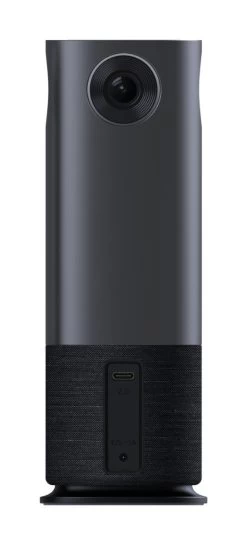
Jabra Panacast 50
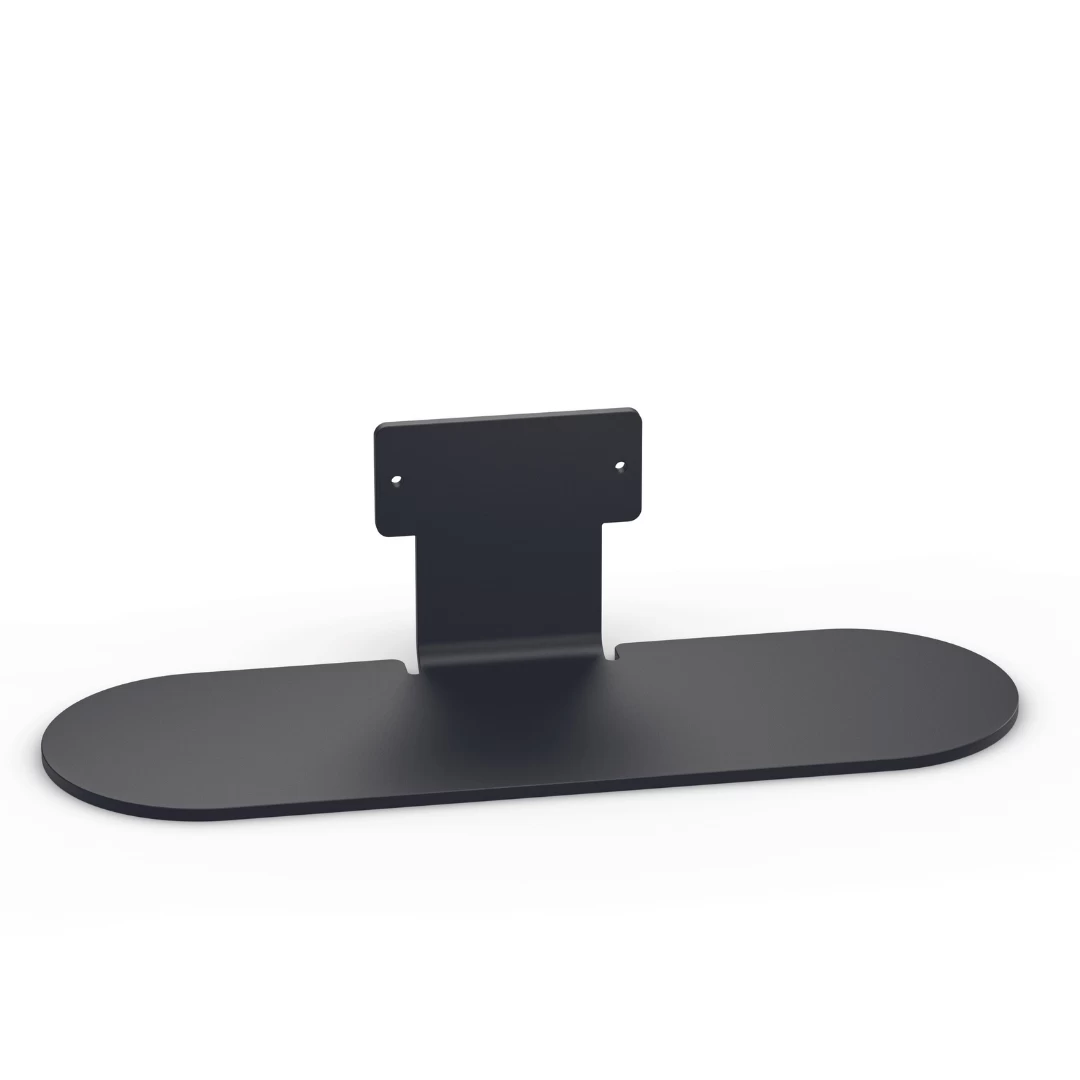
Table Stand for Jabra Panacast 50.
A Table Stand is not included with the Panacast 50 and is Wall Mount only by default.
Install the table stand to set the device for use on a table or cradenza.
How do I install the Jabra PanaCast 50?
Recommended installation height
- Install the Jabra PanaCast 50 at the eye-level of the meeting room participants where possible.
- Do not mount the camera facing direct sunlight as this may affect the preset white balance and compromise the image.
Table stand
| Specifications | |
|---|---|
| SKU | 14207-70 |
| Manufacturer | Jabra |
| Product Type | Video Conference |
| Field of View | |
| Wireless Technology | |
| Camera Resolution | |
| Warranty | |
| Wearing Style | |
| Connection Type | |
| Software Compatabilty | |
| Coverage Range | |
| Conference Additonal Headsets | |
| Best Use | |
| Application | |
| Audio Qualities | |
| This product is featured in | , , |
Be the first to review “Jabra PanaCast 50 – Table Stand Black”
Related products
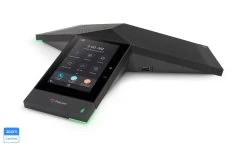

Bluetooth Speakerphones for Conferences
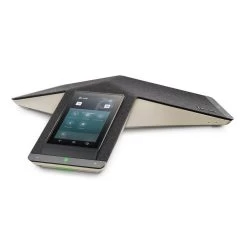
Poly/Polycom Trio 8500 IP Conference Phone + 1 Year Poly Premier Maintenance Contract
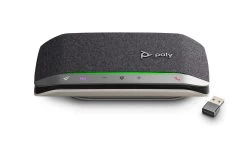
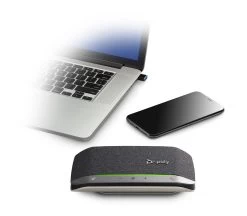
Bluetooth Speakerphones for 1-2 People
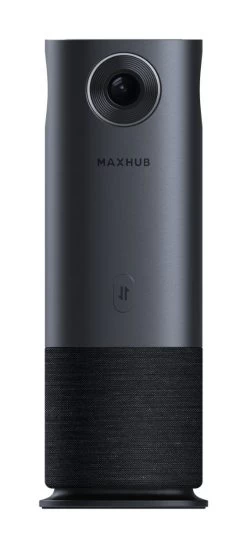
Video Conferencing & Speakerphones
Bluetooth Speakerphones for Conferences

Video Conferencing & Speakerphones
Plantronics/Poly Sync 20 CL5400 Corded USB-A And BT Speakerphone
Video Conferencing & Speakerphones

Bluetooth Speakerphones for 1-2 People
Bluetooth Speakerphones for Conferences
Reviews
There are no reviews yet.