









Original price was: $316.00.$96.99Current price is: $96.99.
- **Special Pricing while Stocks Last**
- All-in-one – Cam, Mic & Speaker
- MS Teams & Zoom Certified
- Integrated Privacy Shutter
- Acoustic Fence & NoiseblockAI
- Executive Presentation Device
- Auto Framing and Speaker Tracking
- Focus Room Suitable
- Top Quality Products
- Best price, safe shopping guarantee
- Safe Payments, the Smart Choice
- Fast reliable delivery options

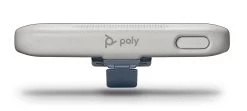
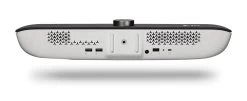
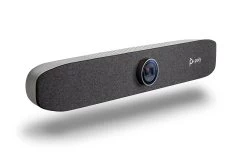
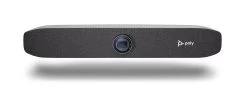
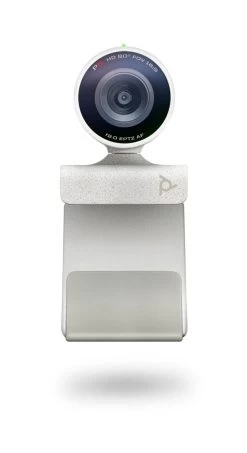
Poly P15 Personal Video Conferencing Bar
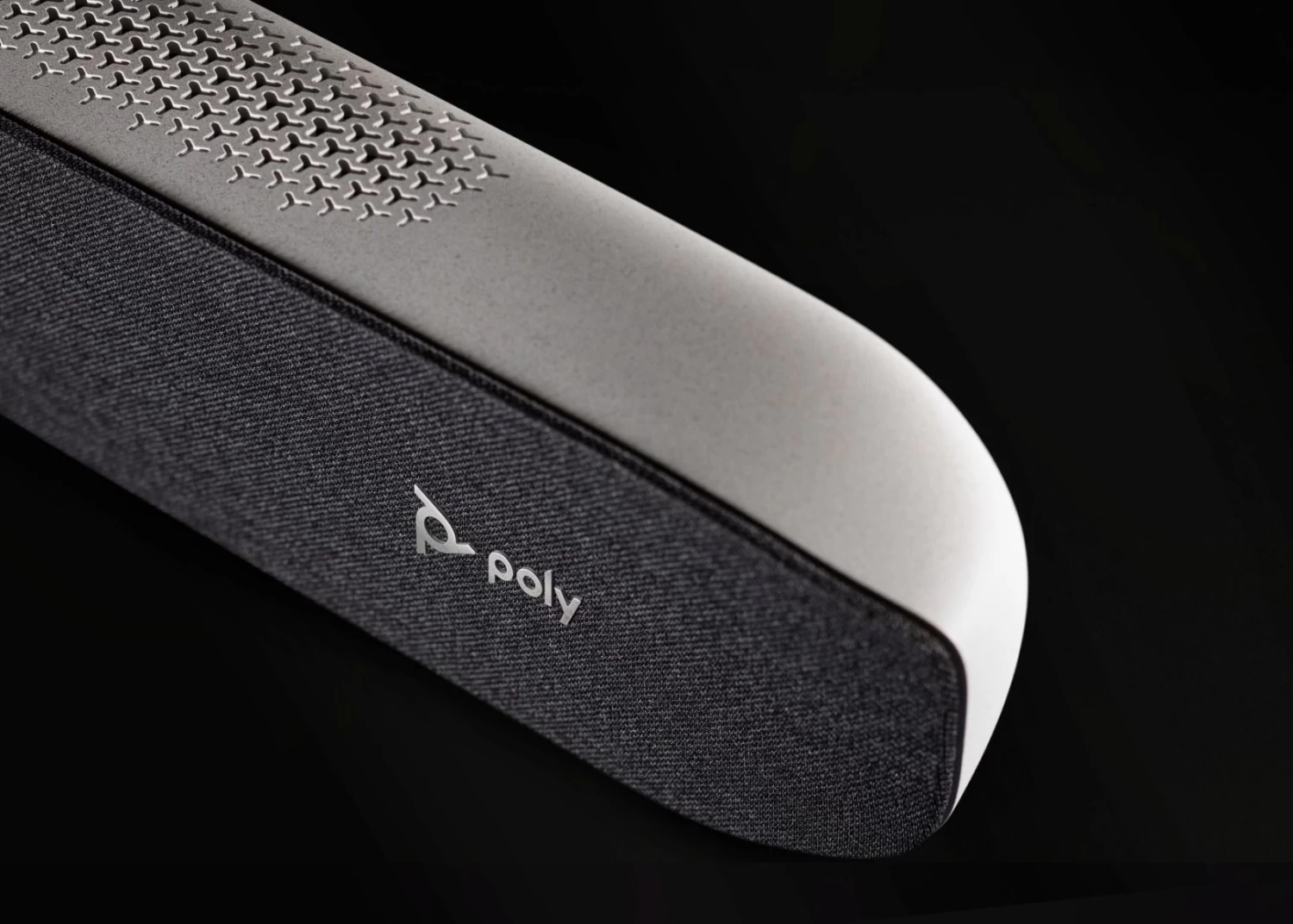
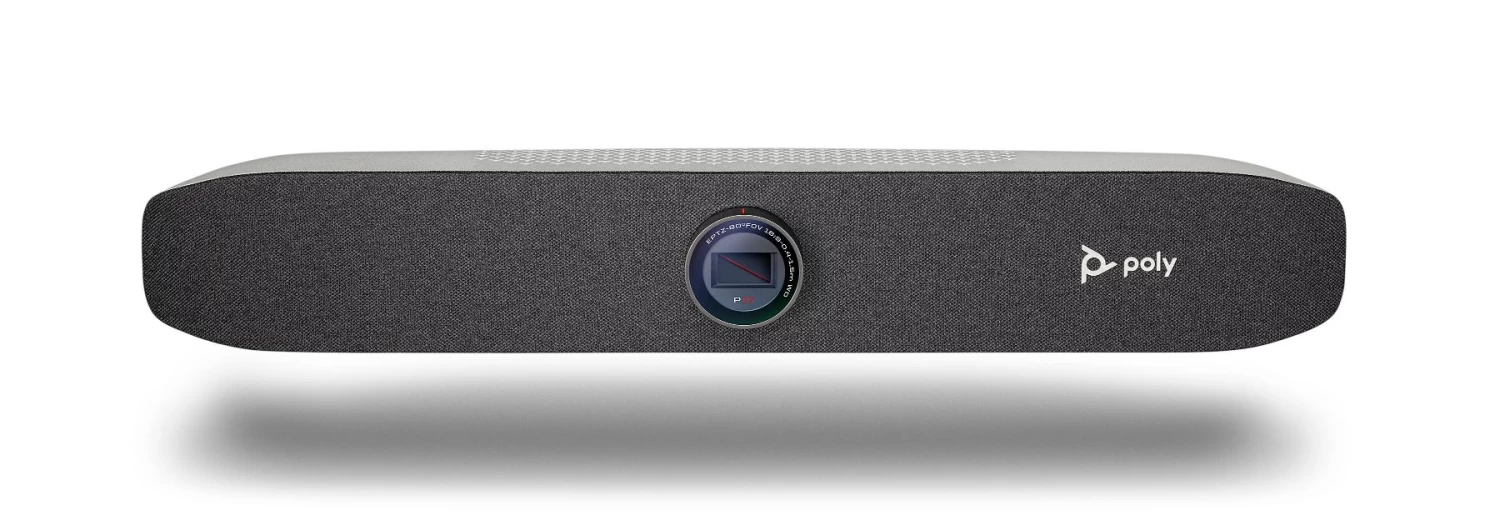
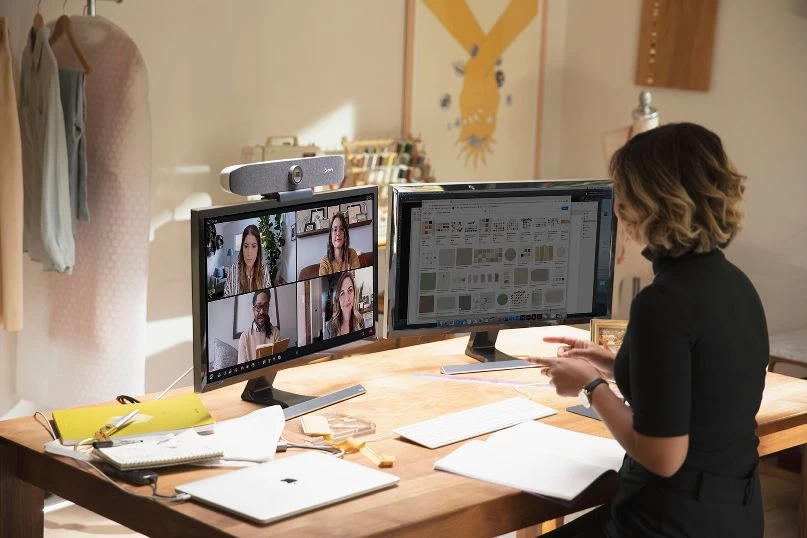
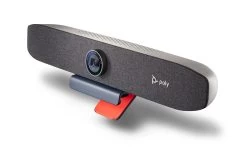
The Poly Studio P15 personal video, microphone and sound bar gives you everything you need to look and sound your best on video calls in one sleek device. No need for any additional devices, just plug, mount and you’re ready to crush personal video conferencing.
Sitting in the middle of the new P Series range of personal conferencing devices, the P15 allows you to deliver professional content from your desktop like never before. No need for additional headsets or speaker phones, the P15 is the complete all-in-one personal VC package.
Exceptional optics and a high performance 4K image sensor bring out your inner star, and automatic camera framing ensures you’re always seen without staying glued to your chair. A powerful speaker and microphone array deliver rich clear audio, while NoiseBlockAI and Acoustic Fence technology keeps out distracting sounds.
Premium content meets Hybrid Work
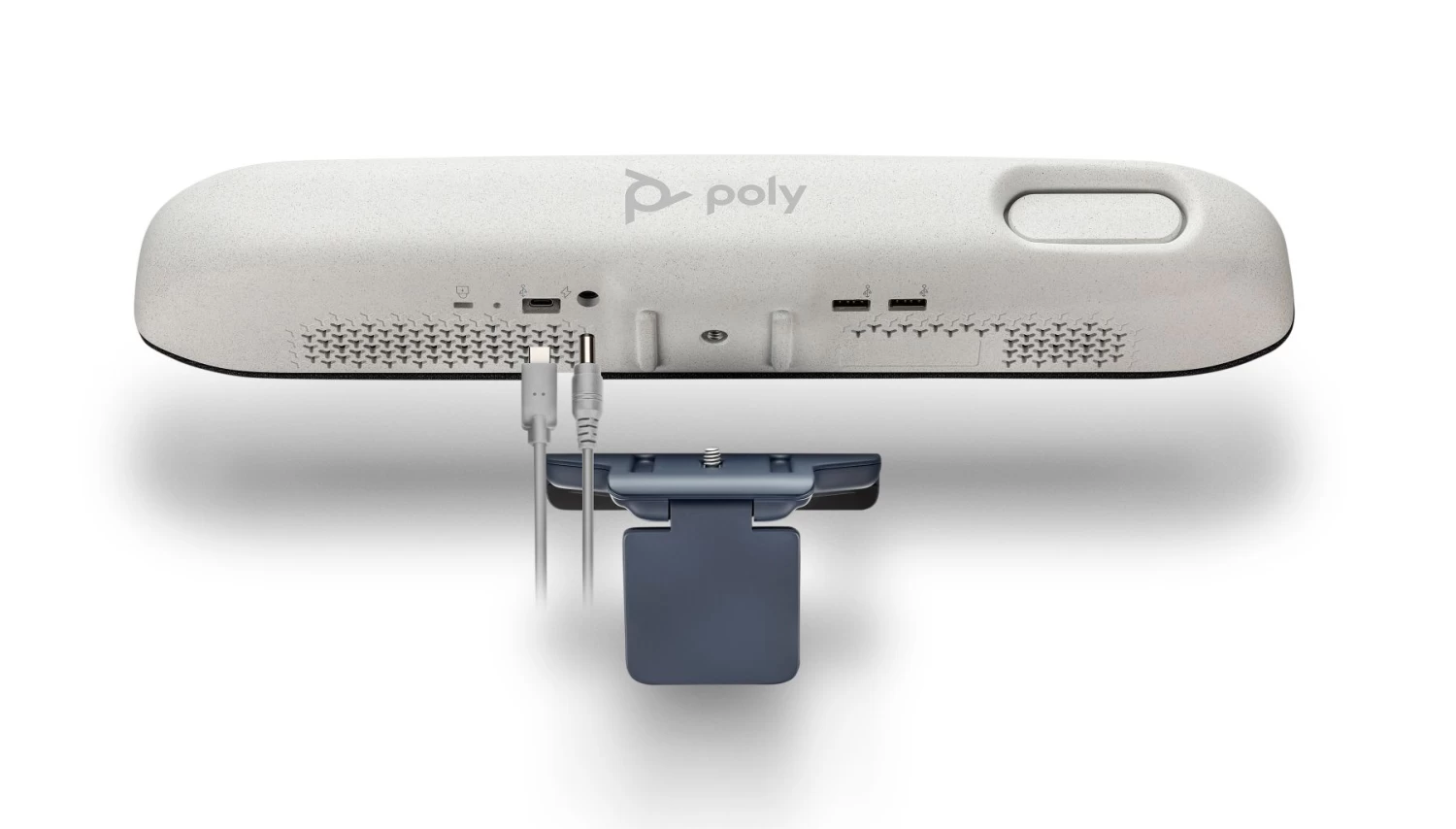
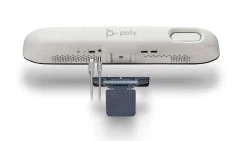
This device is a great fit for anyone looking for a premium video and audio experience from your personal workspace. The P15 gives you the option to content confidently without the need for a purpose specific headset. The P15 connects easily via USB, include a monitor mount, but can also be mounted using traditional camera tripod mounting hardware.
The Cool Stuff
- High performance image sensor with low noise, creates a consistent video image across the entire field of view.
- Auto camera framing keeps you front and centre in the video so you can present with confidence.
- Integrated Privacy Shutter, simply rotate the lens frame clock-wise to close the shutter
- Adjust the tilt-angle of the device via the included monitor mount that fits securly on top of your display.
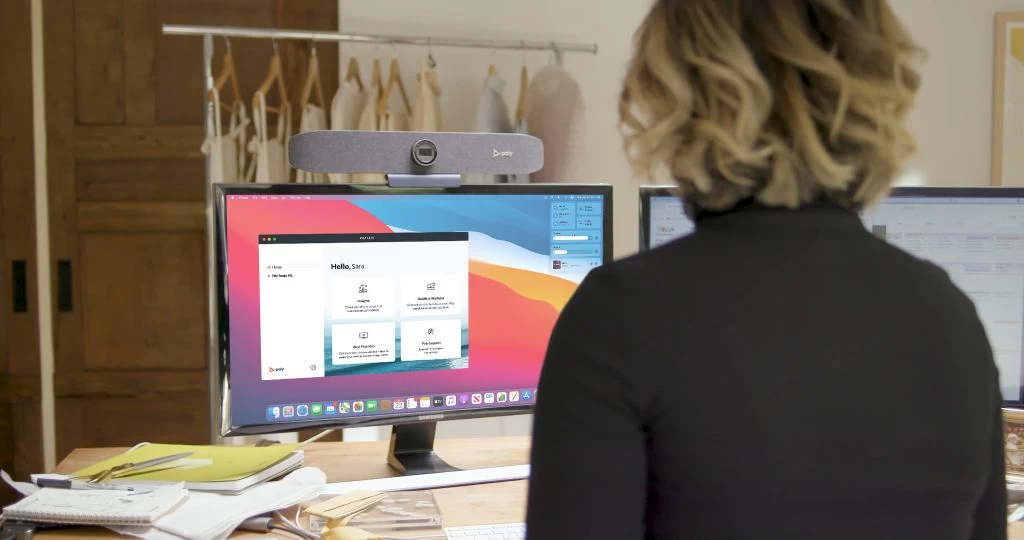
- Maintaine balance through the day, and check out the Poly Lens Desktop app with built in remiders to focus on health and wellness.
IT Service Desk Managers
Leverage the Poly Lens cloud tools to manage devices remotely.
Where the product stands out?
Studio P15 is uniquely designed as an all in one video and soundbar for personal use. Most other video bars are designed for multiple people in meeting rooms. Using a video bar designed for meeting rooms in a personal workspace can result in a poor experience.
Meeting room video bars typically have a camera field of view of 120 degrees or more – which is important for meeting rooms. In a personal workspace, this wide field of view makes users look very small and far away. Poly Studio P15 has a 90 degree field of view optimized for individuals so you are framed properly without showing too much.
Display mounts are also important. Many meeting room video bars can’t be easily placed on top of a display.
Poly Studio P Series Range – Crush the Conversation
Poly Studio P Series personal video devices enable confident and clear presentations from beginning to end. Make the most of video calls from wherever the work happens. High-performance cameras compensate for lighting imbalances. Premium audio eliminates distractions. Solutions and bundles are designed to match work styles for any type of user and include simple setup and cloud services for IT.
Explore the P5, the P15 and P21 devices along with kits and bundles today.
Features
- Premium camera optics and broadcast-quality visuals
- Incredible clarity, beautifully engineered audio
- Get up and running quickly with out-of-box simplicity
- Robust cloud management with Poly Lens
| Specifications | |
|---|---|
| SKU | |
| Manufacturer | Plantronics/Poly |
| Product Type | Video Conference |
| Field of View | 90° |
| Wireless Technology | |
| Camera Resolution | Ultra HD (4K 16:9, 2160p), Full HD (1080p), HD (720p) |
| Warranty | 2 Year (Direct with Manufacturers) |
| Wearing Style | |
| Connection Type | USB-C |
| Software Compatabilty | MS Teams CERTIFIED, Zoom CERTIFIED, USB/UVC Standards Compatible |
| Speaker Frequency Response | 100 Hz to 20kHz |
| Mic Frequency Response | 50 Hz to 14 kHz frequency response |
| Coverage Range | |
| Conference Additonal Headsets | |
| Best Use | Noisy Office, Quiet Office |
| Application | Video |
| Audio Qualities | Acoustic Fence, Echo cancellation, NoiseBlockAI, Poly Acoustic Clarity |
| This product is featured in | , , , , , , , , , |
Manufacturers Description
- Room Type – Personal Conference Space
- Combo Device – Microphone, Speaker & Camera
- 4K Camera Resolution
- High Performance Image Sensor
- NoiseblockAI & Acoustic Fence technology
- Multi-microphone array
- Manage through IT with Poly Lens
- Enjoy the flexibility of compatibility with all major video platforms, including Microsoft Teams, Skype for Business, Zoom, GoToMeeting, Cisco Webex and more
Don’t just show up, stand out!
Easy setup with the included monitor mount that fits security atop your display with easy adjustments for the optimal angle. Maintain balance throughout your day with gentle health and wellness reminders built into Poly Lens Desktop.
PC Requirements
- Make sure that your computer and USB cable meet the following requirements to use a Poly Studio P series device as the camera and audio accessory.
- Your computer must have one of the following operating systems:
- Windows 10 macOS versions 10.15 and 11 The Poly Studio P Series devices only support the USB cable that came with your system.
- Note the following limitations with USB connections:
- Using a third-party USB-C to USB-C cable may affect device performance, or your device may not work at all.
- Using a third-party USB-C to USB-A adapter may affect video quality.
- Connecting your device to a USB 2.1 or 2.0 port may prevent you from receiving full 4K video from your Poly Studio P15 personal video bar.
Be the first to review “Poly P15 Personal Video Conferencing Bar”
Related products

Bluetooth Speakerphones for Conferences
Meeting Room Kits
PC Webcams
Bluetooth Speakerphones for Conferences
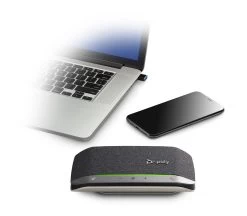
Bluetooth Speakerphones for 1-2 People
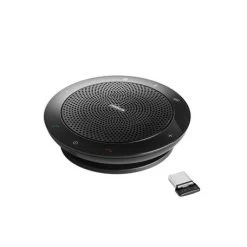
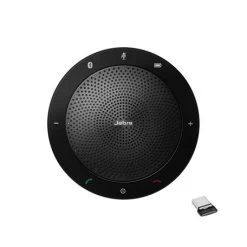
Bluetooth Speakerphones for 3-4 People
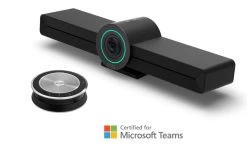
Video Conferencing & Speakerphones
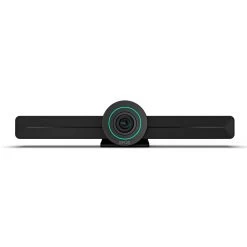
EPOS Expand Vision 3T – MS Teams All In One Video Conferencing Kit
Bluetooth Speakerphones for 3-4 People
Reviews
There are no reviews yet.